Guides
How to make an anime episode with AI in one afternoon
Create a series, approve one or two characters and a location, let Animey outline a one-minute episode, then generate its shots and render it. At the Standard tier the episode costs from 17 credits, and every drawing runs in the background while you keep directing, which is why an afternoon is enough.
By the Animey team6 min read
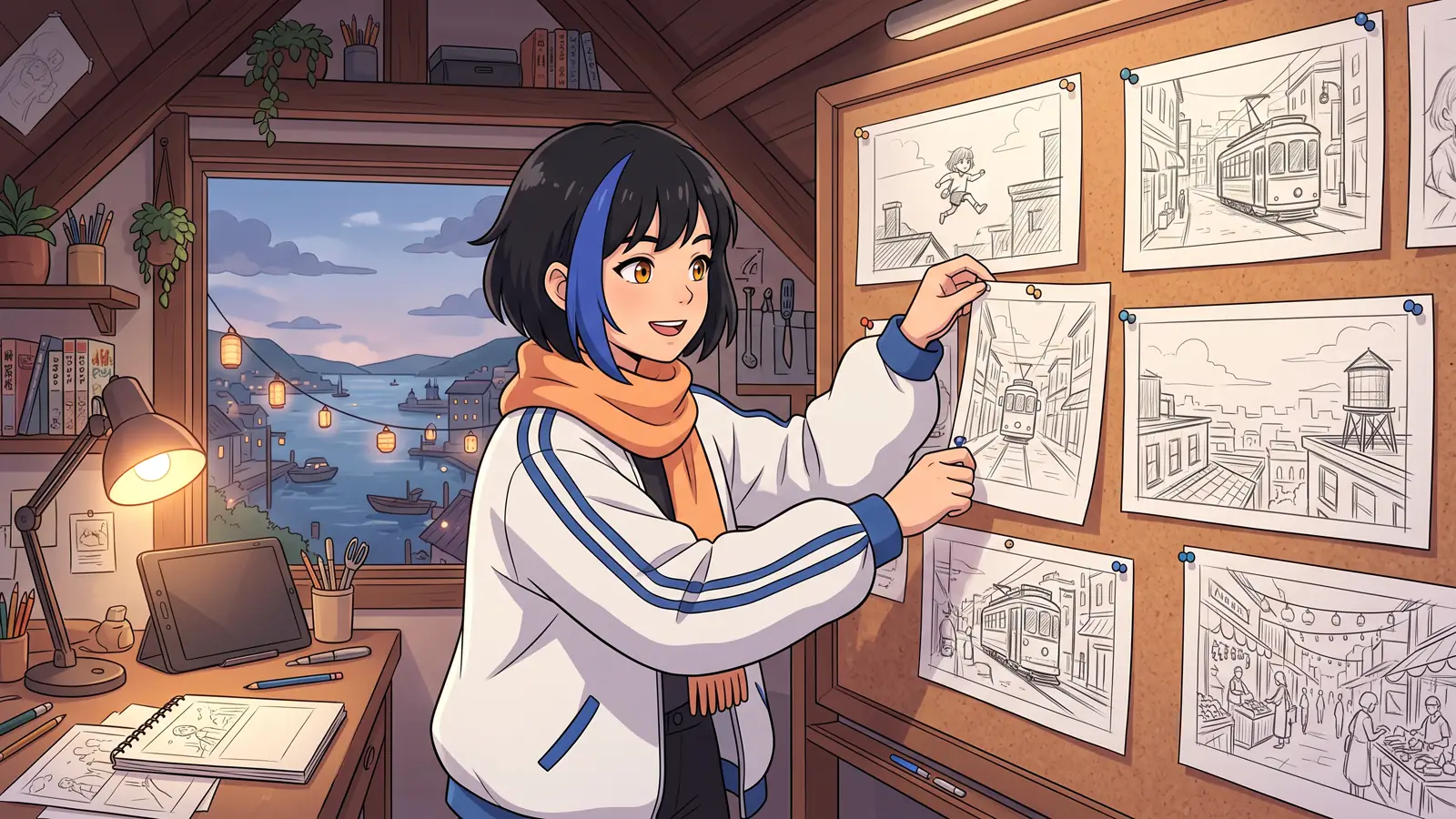
This guide takes you from an empty workspace to a finished one-minute episode with Animey, an AI anime studio by Softforge Digital. It follows the screens in the order you meet them and gives the credit cost of each step as of October 2026. One credit pays for one Standard shot of five seconds: its keyframe, its voiced dialogue and its animation.
Before you start
- An Animey account. The trial gives you 10 credits, valid for 30 days, one series and episodes of up to 60 seconds; its renders carry a small watermark, and without a paid plan, writing with AI (bibles, outlines, scripts and shot lists) is limited to 20 requests a day.
- An idea you can say in one sentence: who wants what, and what stands in the way.
- A dialogue language and, if you like, up to three subtitle languages. Characters can speak English, French, Arabic, Japanese, Spanish and many more.
- About 17 credits for the episode below. The 10 trial credits cover a character sheet and a few shots; for the rest, see pricing.

The steps
Step 1
Create the series
Give it a title, a logline, a genre and a tone, then choose the audience rating (all ages or teen), one of the eight art styles, the dialogue language and the format, 16:9 by default. Animey drafts a series bible (world, rules, places, tone words and palette hints) that you can edit, then draws a style card, a sample frame of your series. Approve it: it costs nothing, and every later drawing follows it.
Step 2
Cast one or two characters
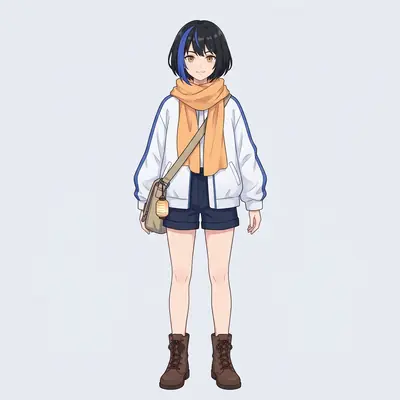
Describe each character in a few lines and let Animey write the character bible. Then generate the reference sheet, six drawings for 2 credits: front, three-quarter, side and back views, a face close-up and a grid of expressions. Redraw any weak view for free (up to six redraws per character per day) and approve the sheet when every view matches, because every shot will use that approved version. Why sheets matter explains the method.
Step 3
Give each character a voice
In the Voice tab, pick a voice from the library and listen to a sample, or describe a voice and let Animey design three candidates for 1 credit. A character has one voice per dialogue language, and no voice is ever cloned from a real person.
Step 4
Draw a location
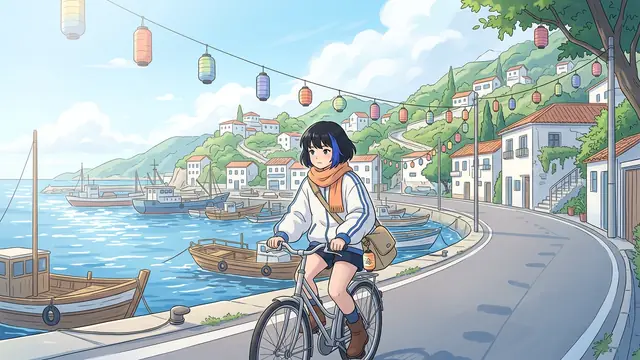
Describe the place where the episode happens. Animey draws its plates, a wide establishing shot and two alternate angles, for 1 credit per set; a night version is another set. Approve them, and every shot set there is drawn against them.
Step 5
Plan a one-minute episode
Open the episode planner, write a premise in a few sentences, choose one minute and the Standard tier, and let Animey write the outline. A one-minute episode gets two or three scenes, each with a place, a cast, a purpose and a few beats. Reorder or rewrite anything; the outline guide explains what makes an outline generate well.
Step 6
Write each scene and plan its shots
In the scene editor, let Animey write the script, action and lines with a speaker and an emotion for each line, then plan the shots. Every shot gets a camera, an action, its lines and a length of 5 to 10 seconds at Standard. Keep dialogue light: about one short line every five seconds reads naturally, as the pacing guide shows.
Step 7
Draw the keyframes, then generate
On the scene board, draw each shot’s keyframe first: a keyframe drawing costs no credits, up to five per shot per day, and generation reuses it as long as the shot has not changed. When the frames look right, generate. The estimate bar shows the exact total before anything is held, a shot that fails gives its credits back, and the board updates by itself while each shot is drawn, voiced and animated.
Step 8
Choose the takes and render
Watch every take. Re-animate the weak ones (a new take costs the shot’s price again) and select the best. Then open the render page, choose the subtitle languages, music, title card, end credits and the optional 9:16 cut, and render. Rendering is free: you get an MP4, SRT and VTT files for each subtitle language, a thumbnail, and review links you can share.
What the episode costs
| Item | Credits |
|---|---|
| Two character reference sheets | 4 |
| One set of location plates (day) | 1 |
| Twelve 5-second Standard shots | 12 |
| Style card, keyframe drawings, render, subtitles and review link | 0 |
| Total | 17 |
Shots are priced per started five seconds, so a 6-second shot costs as much as a 10-second one: aim for 5 or 10. Library voices are free; a designed voice costs 1 credit. The Reference tier doubles the price of a shot and uses the spoken lines to guide the animation, which helps the lips follow the dialogue; for a first episode, Standard is enough.
Where the afternoon goes
Most of the afternoon is decisions, not waiting. Sheets, plates and shots are generated in the background, so you can write the next scene while the previous one is being drawn. Cast and approve first, plan second and generate last: a change before generation is free, a change after it costs a new take.
Published after launch. We will measure this on real episodes and add the figure here, with its date.
Source: Animey usage data, first quarter after launch
Four mistakes that cost credits
- Generating before approving. Shots need approved characters and an approved location, and a new sheet version means new takes.
- Long speeches in short shots. A line takes about three seconds to say, so four lines do not fit in five seconds.
- Six-second shots. Credits are counted per started five seconds.
- Re-animating when the keyframe is the problem. If the first frame is wrong, redraw the keyframe for free, then animate it again.
Once the episode is rendered, the export guide covers the settings for YouTube, Shorts and TikTok.
Questions this answers
- Can I really make an anime episode with AI in one afternoon?
- Yes, for a one-minute episode with one or two characters and one location. The work is in the choices, approving characters, editing the outline and picking takes, while every drawing and animation runs in the background.
- How many credits does a one-minute episode cost?
- From 17 credits at the Standard tier with two characters and one location: 4 for the character sheets, 1 for the location plates and 12 for twelve 5-second shots. Rendering, subtitles and review links are free.
- Can I make a one-minute episode on Animey’s free trial?
- Partly. The 10 trial credits, valid for 30 days, cover a character sheet and a few shots, trial episodes last up to 60 seconds, trial renders carry a small watermark and writing with AI is limited to 20 requests a day. A top-up adds credits, but only a subscription lifts the trial limits and removes the watermark.
- Do I need to know how to draw or animate?
- No. You describe, choose and approve; Animey draws the sheets, plates and keyframes and animates the shots. A little knowledge of shot sizes and pacing helps you direct them.
Start your own series
Describe your world, cast your characters and plan your first episode, scene by scene.
Start free