Guides
Anime storyboard generator: from a scene script to shots you can animate
An anime storyboard generator turns a scene script into a sequence of shots, each with a camera, an action, its lines and a drawn panel, so you can see the scene before anything moves. In Animey, the scene editor plans the shots with AI and the scene board draws a keyframe for each one for free, which makes the storyboard the last cheap place to change your mind.
By the Animey team5 min read
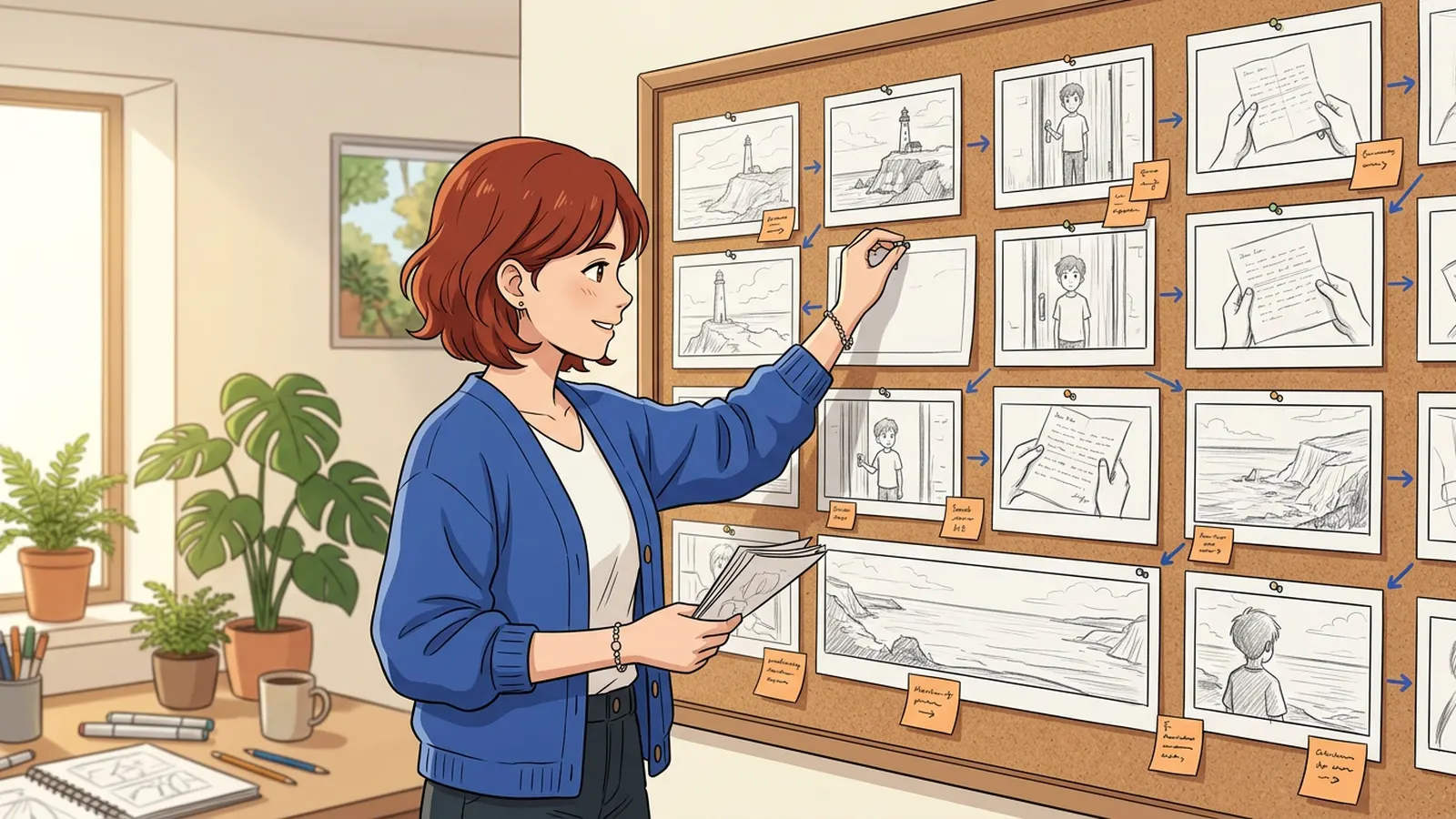
Every animated film is planned twice: once in words, in the script, and once in pictures, in the storyboard, the method animation studios adopted in the 1930s. In anime production the storyboard is called e-konte, and it fixes the framing, the camera and the timing of every cut. This guide shows how to build one with Animey, an AI anime studio by Softforge Digital, and what changes when the shots are generated rather than drawn. It describes the product as of September 2026.
Why AI anime needs a storyboard
A video model makes clips of a few seconds. An episode is therefore a chain of short shots, and each one is generated, paid for and judged on its own. Without a storyboard you discover the problems after paying for the motion: a scene with three close-ups in a row, a line too long for its shot, a character who changes sides between two cuts. With one, you fix them on paper.
| Field | What it decides |
|---|---|
| Shot size | Wide, medium, close-up, over the shoulder, point of view or insert |
| Camera | Static, or one slow move: pan, push-in or pull-back |
| Action | What happens, in one sentence |
| Cast | Who is in frame, drawn from their approved sheets |
| Lines | The words said in this shot, with speaker and emotion |
| Length | 5 to 10 seconds at Standard, up to 15 at Reference and Cinema |
| Keyframe | The drawn panel: the first moment of the shot |
An example scene in four panels
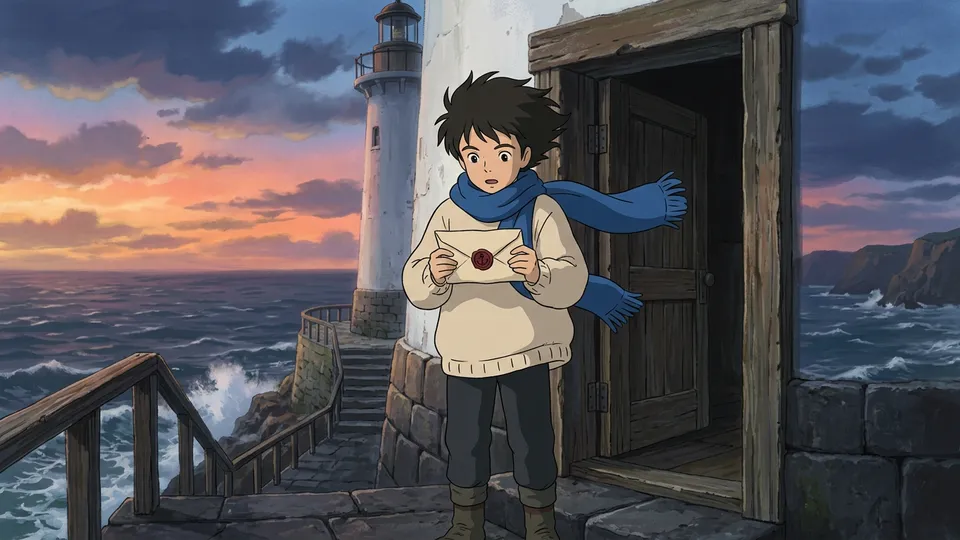
The scene: at dusk, a young lighthouse keeper finds a sealed letter in his door and looks out to sea. Four beats, four shots, moving from the place to the emotion.
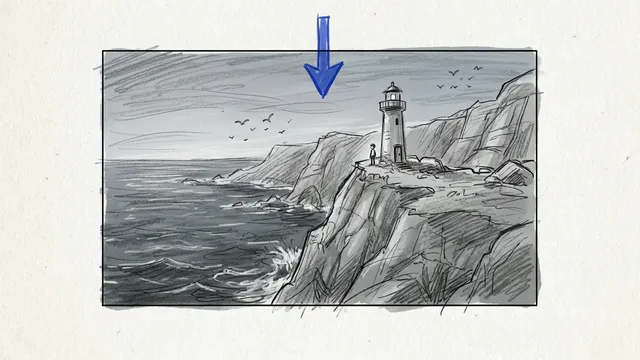
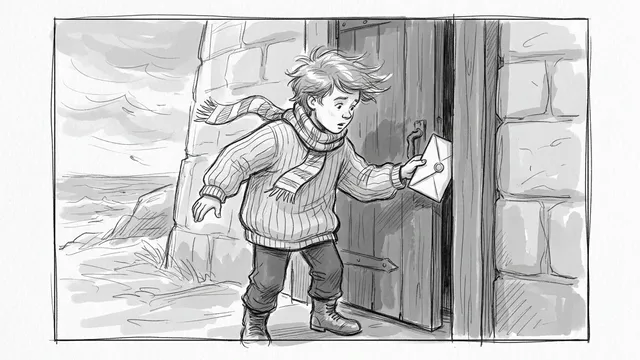
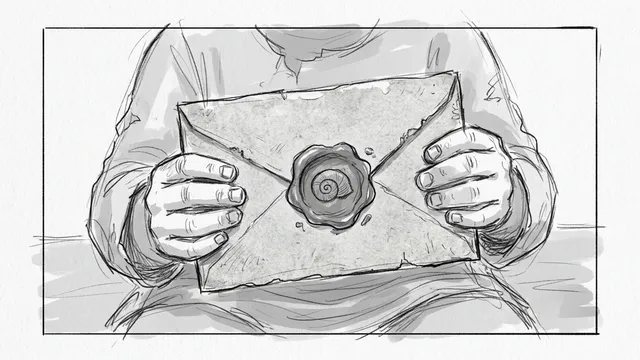
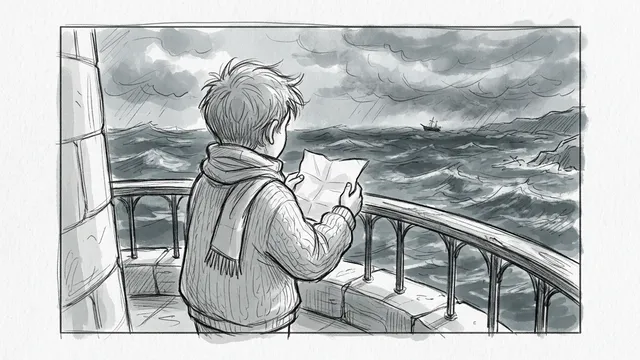
Read them in order and the scene already works: we know where we are, what happens, what matters and how it feels. That is the test of a storyboard. The panels are rough on purpose; what they fix is the framing, not the finish.
The steps
Step 1
Write the beats of the scene
Give the scene a place, a cast, a purpose and three to five beats, one sentence each. In Animey these come from the episode outline; the outline guide explains what makes them generate well.
Step 2
Write the script
Let Animey write the action and the lines, each with a speaker and an emotion, then edit them. Keep lines short: about ten words fit in a five-second shot.
Step 3
Plan the shots with AI
In the scene editor, “Plan shots with AI” cuts the script into shots, each with a size, a camera, an action, its lines and a length. Split a shot that does two things, merge two that do one, and reassign a line if it belongs elsewhere.
Step 4
Check the rhythm of the sequence
Read the shot list top to bottom: open wide, move closer as the emotion rises, use an insert for an object that matters and over-the-shoulder shots for dialogue. Avoid three shots of the same size in a row and more than one camera move per shot.
Step 5
Draw a keyframe for every shot
On the scene board, draw each keyframe: it is drawn from the location plate, the cast’s approved sheets and the style card, and costs nothing up to five drawings per shot per day. The board is now a storyboard in your series style.
Step 6
Revise before you animate
Redraw a panel that frames the action badly, change its camera or its prompt, and after editing the script use “Update from script” on a shot, or plan again: only drafts never generated are replaced.
Step 7
Animate the board
Generate when every panel reads well. At the Standard tier the keyframe is the exact first frame of the clip, so the shot looks like its panel; a 5-second shot costs 1 credit, its voiced lines included.
From panel to animated shot
Here is panel 2 carried through: the rough panel became a finished frame in the series style, and the frame became five seconds of animation with a single slow push-in.
Published after launch. We will measure this on real episodes and add the figure here, with its date.
Source: Animey usage data, first quarter after launch
Storyboard mistakes that cost credits
- Two actions in one shot: the model does one well and the other badly. Split the shot.
- A camera move and a big gesture together: keep one of them, and make it slow.
- Dialogue that runs past the shot: four lines do not fit in five seconds, as the pacing guide shows.
- Animating a weak panel: a keyframe redraw is free, a new take costs the shot’s price again.
Ready to try it on a whole episode? The one-afternoon guide takes you from series to render, or create a free account and storyboard your first scene.
Questions this answers
- What is an anime storyboard?
- A sequence of drawn panels, one per shot, showing the framing, the camera, the action and the timing of a scene before it is animated. In anime production it is called e-konte.
- Can AI generate a storyboard from a script?
- Yes. Animey cuts a scene script into shots with a size, camera, action, lines and length, then draws a keyframe for every shot on the scene board in your series style, from your approved characters and locations.
- How many shots should a one-minute anime scene have?
- About twelve shots of five seconds, or fewer if some shots last ten. One action or one short line per five-second shot is a good rule.
- Does storyboarding in Animey cost credits?
- No. Planning shots with AI counts toward the daily AI writing allowance, and keyframe drawings are free up to five per shot per day; credits are spent only when a shot is animated.
Start your own series
Describe your world, cast your characters and plan your first episode, scene by scene.
Start free