Guides
Shots, cameras and pacing for 5-second clips
Direct AI anime one idea per shot: a 5-second shot holds one action or one line of about ten words, and a 10-second shot two short lines or one slow camera move. Change the shot size as a scene moves from place to emotion, keep each camera move slow and single, and let the dialogue set the length.
By the Animey team5 min read
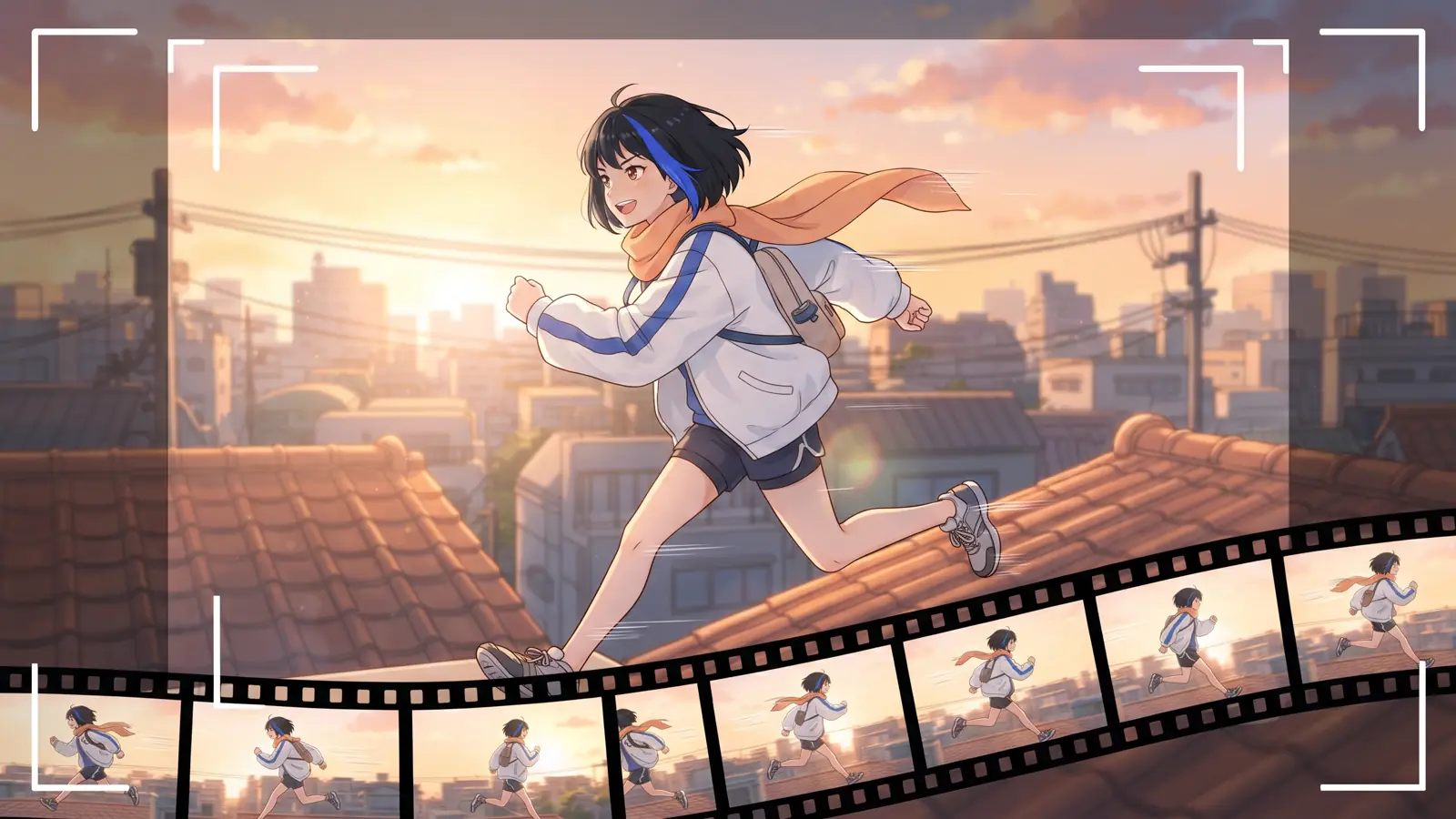
Video models generate short clips, and every episode is built from them: each shot is its own clip, animated from its own keyframe. Short clips are no handicap if you direct for them. This guide gives the rules of thumb we use at Animey, an AI anime studio by Softforge Digital, based on how shots are sized and priced as of October 2026.
How long a shot lasts
A shot lasts the larger of its target and the time its lines take to say, rounded up to whole seconds and kept within its tier: 5 to 10 seconds at Standard, 5 to 15 at Reference and Cinema. Before the lines are voiced, Animey estimates speech at about 2.5 words per second; afterwards it uses the real timing. Each line starts after a short breath and the shot ends with a short tail, so the dialogue never touches the cut.
| Shot length | Dialogue that fits | Credits |
|---|---|---|
| 5 seconds | One line of about ten words | 1 at Standard |
| 6 to 10 seconds | Two short lines, or one long line | 2 at Standard |
| 11 to 15 seconds | Three short lines (Reference and Cinema only) | 6 at Reference, 15 at Cinema |
Silent shots are just as useful: an establishing view, a reaction, a hand on a door. They give a scene air, and a silent 5-second shot costs the same as a spoken one.
Shot sizes and what they are for
| Size | Use it for |
|---|---|
| Extreme wide and wide | Opening a scene: where we are, the time of day, who is there |
| Medium wide and medium | Movement and interaction between characters |
| Close-up and extreme close-up | Emotion, a reaction, a decisive line |
| Over the shoulder | Conversations: one character listens while the other speaks |
| Point of view | What a character sees |
| Insert | An object that matters: a letter, a key, a ticket |
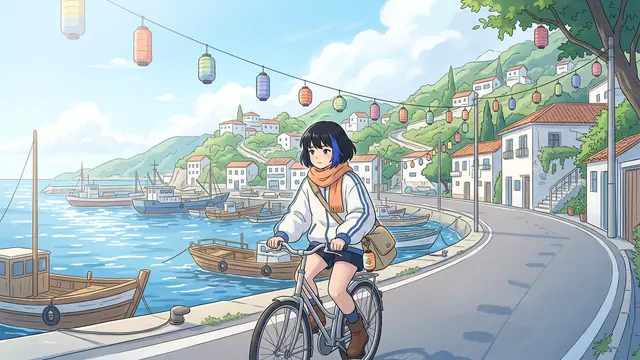
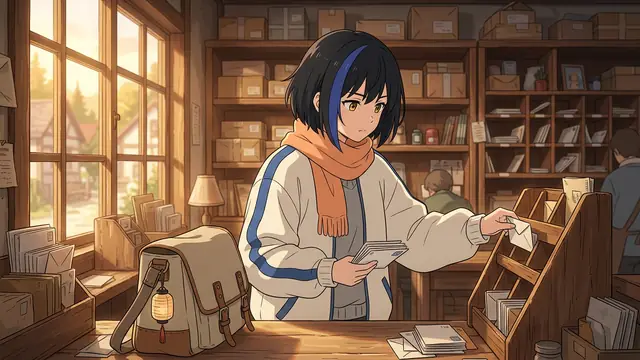
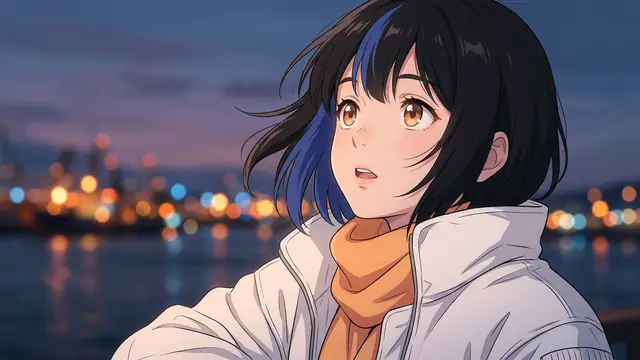
Animey’s shot planner already follows this pattern: it opens scenes wide, uses medium shots and close-ups for emotion, over-the-shoulder shots for conversations and inserts for important objects. You can change any shot in the scene editor, where its camera, action, cast, lines and length are all editable.
Angles and camera moves
The angle sets the balance of power in the frame: eye level is neutral, a low angle makes a character imposing, a high angle makes them small, a Dutch angle adds unease and a bird’s-eye view maps out a place. The move is what the camera does during the clip: static, pan, tilt, dolly in or out, tracking, crane, handheld, zoom in or out, or orbit. Whichever you choose, favor a slow one: in a clip of a few seconds, a calm move reads better than a fast one.
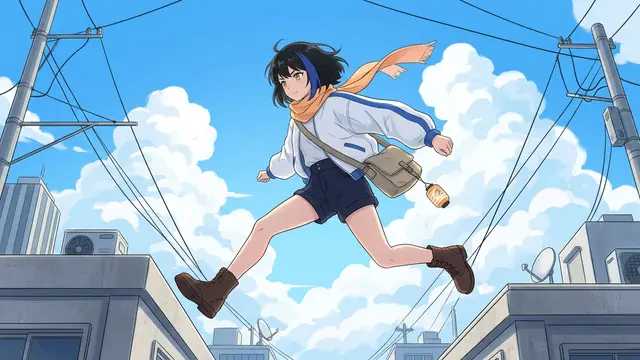
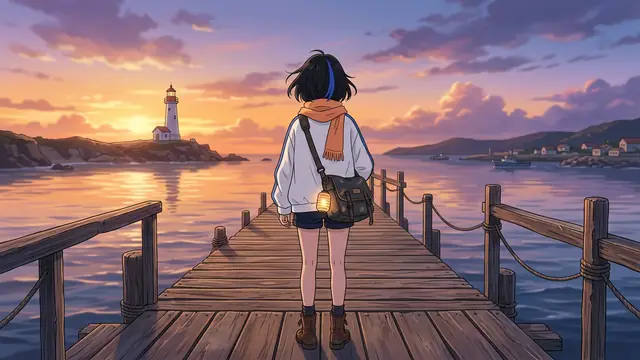
- One move per shot. A pan that turns into a push-in is two shots.
- A static shot is not a dull shot: a held frame with a small motion, hair in the wind or a blink, is part of the language of anime.
- Keep handheld and orbit for tension and reveals: the more the camera travels around a character, the more the model has to invent.
- Move the camera in the direction of the action, so the cuts feel continuous.
Pacing a scene
A 30-second scene is about five or six shots. A reliable order is a wide shot to place the scene, a medium shot to start the action, close-ups on the lines that carry it, an insert or a reaction, and a closing shot that hands over to the next scene. Alternate sizes from shot to shot: two wide shots in a row feel slow, and three close-ups in a row lose the place.
Use the location plates to vary the background. Every location has a wide establishing plate and two alternate angles, so a conversation can cut between angles and still stay in the same room.
Framing for the vertical cut
If you plan a 9:16 version for Shorts or TikTok, remember that the vertical cut keeps a window about a third as wide as the landscape frame. Keep the speaking character near the center, or move each shot’s crop handle on the scene board; the export guide covers the rest.
Fixing a shot that does not work
- Too much dialogue: split the shot before a line; the new shot copies the camera of the first, and you can then change it.
- Two short shots that belong together: merge them into one, which lasts at most 10 seconds at Standard and 15 at Reference and Cinema.
- A crowded or dialogue-heavy shot: switch that shot alone to the Reference tier.
- A keyframe that misses the composition: redraw it for free, or write your own drawing prompt in the shot’s overrides.
Published after launch. We will measure this on real episodes and add the figure here, with its date.
Source: Animey usage data, first quarter after launch
Pacing starts in the outline: the outline guide shows how scenes are sized before they are split into shots.
Questions this answers
- How long is a shot in an AI anime episode?
- In Animey, a shot lasts 5 to 10 seconds at the Standard tier and up to 15 seconds at the Reference and Cinema tiers. Its length is its target or the time its lines take to say, whichever is longer.
- How much dialogue fits in a 5-second shot?
- One line of about ten words. Animey estimates speech at about 2.5 words per second and adds a short breath before a line and a tail after it, and a longer line makes the shot longer.
- Which camera moves work best in short AI clips?
- Slow, single moves: static holds, pans, tilts, push-ins and pull-backs. Handheld and orbit moves are best kept for tension and reveals.
- Why does a 6-second shot cost more than a 5-second one?
- Credits are counted per started five seconds, so a 6-second Standard shot costs 2 credits, the same as a 10-second one. Plan shots of 5 or 10 seconds to get the most out of each credit.
Start your own series
Describe your world, cast your characters and plan your first episode, scene by scene.
Start free