Explainers
Best AI anime generators in 2026: eight tools compared for making a series
For one striking anime clip, a general video generator such as Kling, Google Flow (Veo), Vidu or Hailuo is the quickest choice; for a series with the same characters in every shot and finished, subtitled episodes, you need a tool built around reference sheets and episodes, such as Animey. LTX Studio sits in between: a storyboard and timeline tool for any genre, not made for anime.
By the Animey team6 min read
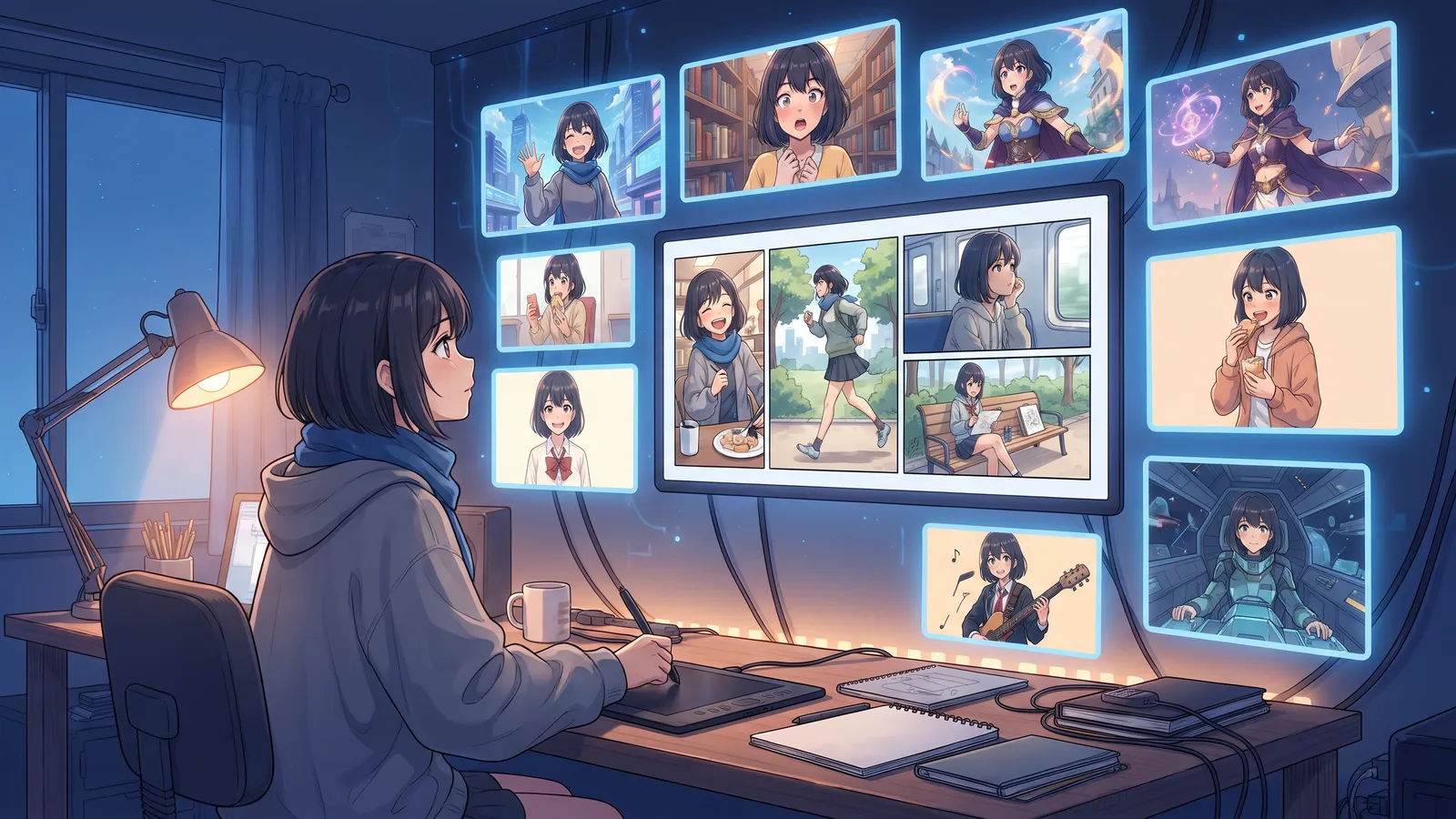
“AI anime generator” covers two very different kinds of tool. Clip generators turn a prompt into a few seconds of video; series tools plan a story, keep the cast on model and deliver episodes. This comparison puts the strongest of both side by side, including Animey, an AI anime studio by Softforge Digital and the publisher of this blog, and says plainly where each one is the better choice. Every fact below was checked on the vendors’ own sites on 8 October 2026.
The tools at a glance
| Tool | Best for | Consistent characters | Voices | Longest clip | Paid from |
|---|---|---|---|---|---|
| Animey | Original anime series and episodes | Approved six-view reference sheet per character | Voiced dialogue in 29 languages, music, subtitles | Billed per 5-second shot; full episodes | $29 (10 free credits) |
| Kling 3.0 | Cinematic multi-shot clips | Elements from photos or a short video | Dialogue with lip-sync | 15 s | About $9 (free tier) |
| Google Flow (Veo 3.1) | Clips with native sound, scene timeline | Up to 3 reference ingredients | Native audio | 8 s, extendable | $19.99 AI Pro (daily free credits) |
| Vidu Q3 | Anime-style clips | Saved references | Sound in Q3 | 16 s | $10 (free tier) |
| Hailuo (MiniMax H3) | High-resolution clips | Omni Reference, up to 12 files | Native sound, voice reference | 15 s | See vendor |
| PixVerse V6 | Fast, cheap social clips | Marketed, method not documented | Audio switch | 15 s | $10 (daily free credits) |
| Runway | Editing and performance capture | Gen-4 References | Voice, music and lip-sync tools | 10 s | $15 (one-time free credits) |
| LTX Studio | Script to storyboard to timeline, any genre | Elements for characters and places | Synced audio, dubbing, captions | 10 to 20 s | $15 personal, $35 commercial |
What matters for anime
A beautiful clip is now easy. What separates the tools is what a series needs next:
- Consistency: the same face and outfit in every shot. It always comes from reference images; the question is whether you approve them once or attach them every time.
- Structure: scenes, shots and episodes, or clips to arrange in an editor.
- Sound: a stable voice per character, music, and subtitles in several languages.
- Rules: Animey only makes original characters, as the copyright guide explains.
- Cost per finished minute, retakes included, not per clip.
The tools one by one
Animey: series and episodes
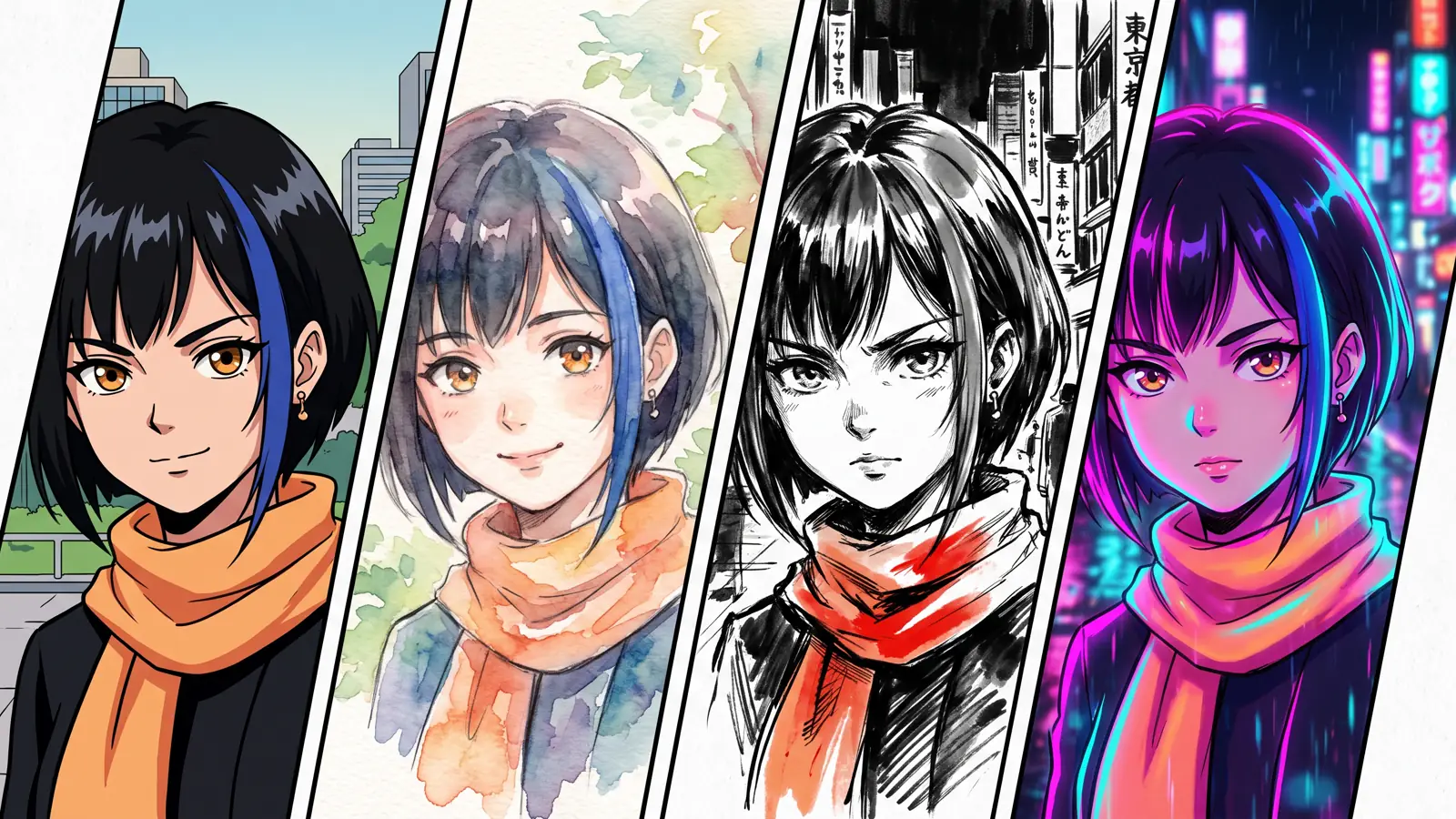
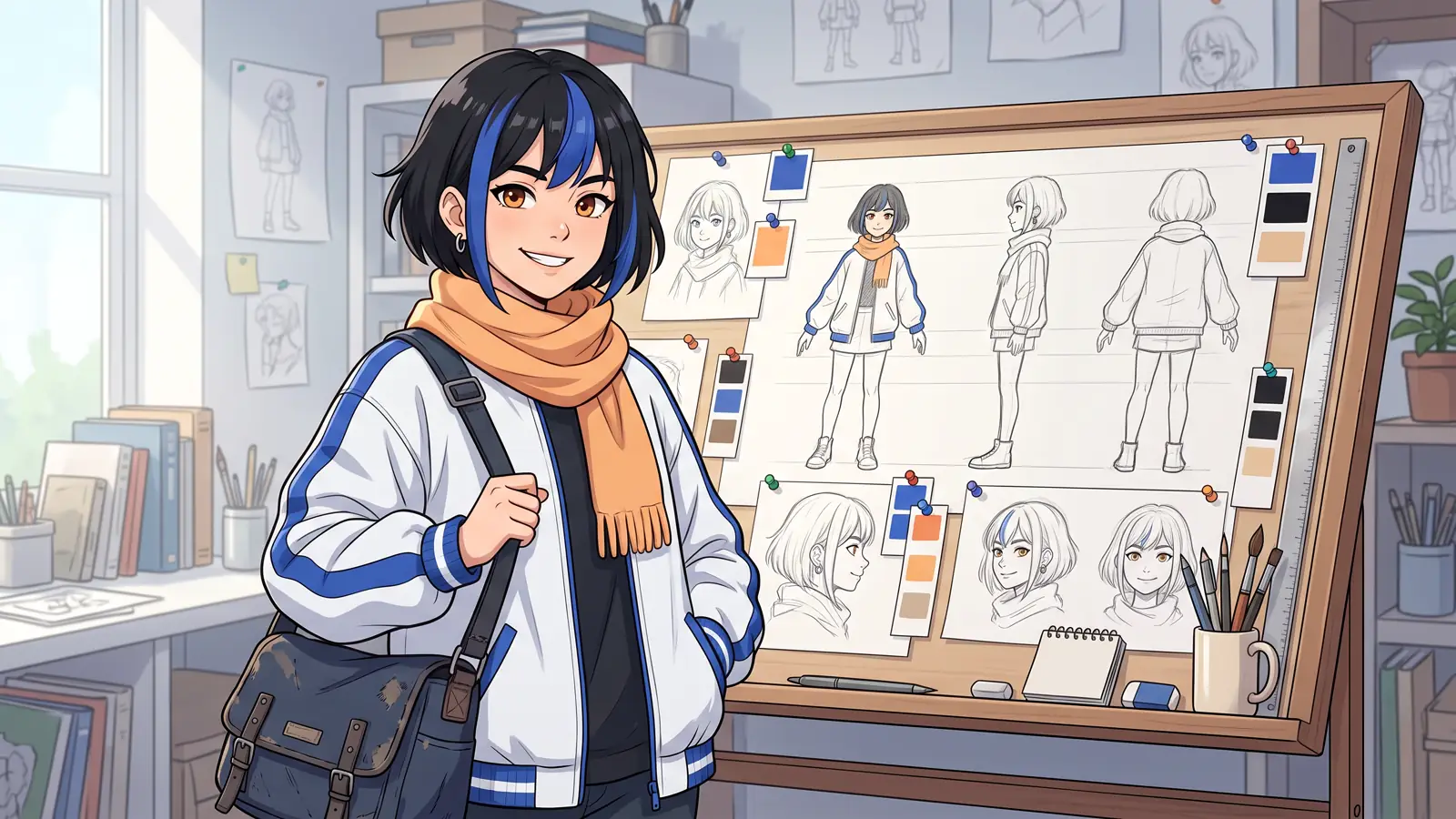
Animey starts from a series, not a prompt. You write a logline with the series assistant, choose one of eight art styles, and approve a six-view reference sheet for each character and plates for each location. Every shot is drawn as a still keyframe from those images before it is animated, so you check the picture before paying for motion. Episodes render as 1080p MP4 in 16:9 and 9:16, with music and subtitles in up to four languages.
Limits: shots are made 5 seconds at a time and billed per 5 seconds; you choose from eight style presets rather than any style you can describe; and Animey refuses real people, existing franchises and cloned voices. A credit is one 5-second Standard shot; plans start at $29 for 80 credits, and the trial gives 10 credits without a card (pricing).
Kling 3.0: the strongest clip generator for action
Kuaishou’s Kling 3.0 makes clips of up to 15 seconds and can plan several shots in one generation. Elements register a character from photos or a short video, and the Omni model gives a character its own voice with lip-synced dialogue in five languages, Japanese included. 1080p needs a paid plan (Kling 3.0, pricing).
Google Flow with Veo 3.1: clips with sound, on a timeline
Flow is Google’s filmmaking tool for Veo 3.1. Veo makes extendable clips of 4 to 8 seconds with native audio, Ingredients to Video keeps a character from up to three reference images, and Scenebuilder sequences clips into a scene. It comes with Google AI Pro at $19.99 a month (Flow help).
Vidu: the clip generator that targets anime
ShengShu’s Vidu is the only major video model with its own anime generator page. Saved references keep a character, clips run up to 16 seconds, and Q3 generates sound with the picture. Plans start at $10 a month, with a free tier (anime generator, pricing).
Hailuo with MiniMax H3: references and resolution
MiniMax’s H3 model, in the Hailuo app, takes up to twelve reference files (images, video and audio) and makes clips of up to 15 seconds at up to 2K with native sound. Prices are shown only after signing in (MiniMax H3).
PixVerse V6: quick social clips
PixVerse makes clips of up to 15 seconds at up to 1080p, with daily free credits: cheap for testing ideas and social posts. It markets consistency across shots without documenting how (PixVerse V6).
Runway: a toolbox around the model
Runway pairs Gen-4.5 (clips of up to 10 seconds) with Gen-4 References for consistent characters, Act-Two to drive a character with your own filmed performance, and lip-sync, voice and music tools. It suits those who edit their own film (pricing, Act-Two).
LTX Studio: storyboards for any genre
Lightricks’ LTX Studio turns a script into scenes, a storyboard and a timeline, with Elements for characters and locations, and generates synced audio. It is built for advertising and live-action-style stories rather than anime; commercial use starts at $35 a month (LTX Studio, pricing).
Tools older lists still recommend
OpenAI discontinued the Sora app and website on 26 April 2026 and scheduled the API to end in September 2026 (OpenAI help). Animon, an anime-only generator launched in 2025, did not answer at its address when we checked. A guide that still lists either is out of date.
Which one to pick
- One clip for a post or a music video: Kling, Vidu or PixVerse, the fastest and cheapest per clip.
- A short film you will edit yourself, with your own performance: Runway.
- A pitch or ad with a storyboard, in any genre: LTX Studio or Google Flow.
- An original anime series, or episodes for a YouTube or TikTok channel with the same cast every week: Animey, which does the planning, the consistency, the voices and the edit for you.
- Fan animation of an existing anime or a real person: Animey refuses it.
Whichever you choose, consistency comes from images, not words: see the consistency explainer and the text-to-video explainer.
Questions this answers
- What is the best AI anime generator in 2026?
- For single clips, Kling 3.0, Google Flow, Vidu and Hailuo are the strongest, and Vidu targets anime. For an original series with the same characters in every shot and finished episodes, Animey is built for the job.
- Can I make a whole anime episode with AI?
- Yes. With a clip generator you make each shot and edit them yourself; Animey plans the episode as scenes and shots and renders it with voices, music and subtitles, from 17 credits a minute.
- Which AI anime generator keeps characters consistent?
- All of them do it with reference images. Animey draws every shot from a reference sheet you approved once, so you never attach references shot by shot.
- Is there a free AI anime generator?
- Most have a free allowance: Kling, Vidu and PixVerse have free tiers, and Animey gives 10 trial credits without a card, enough for a short watermarked episode.
- Is Sora still available for anime?
- No. OpenAI ended the Sora app and website on 26 April 2026 and scheduled the API to close in September 2026.
Start your own series
Describe your world, cast your characters and plan your first episode, scene by scene.
Start free