Explainers
Lip-synced dialogue in AI anime: how we pair ElevenLabs voices with MiniMax H3
Animey voices every line with the character’s own ElevenLabs voice first, lets MiniMax H3 animate the shot and speak the line, then lays the exact voiced line where the mouths moved. The audible words are always the approved script in the chosen voice, while the lips follow a real performance instead of a dubbed one.
By the Animey team5 min read
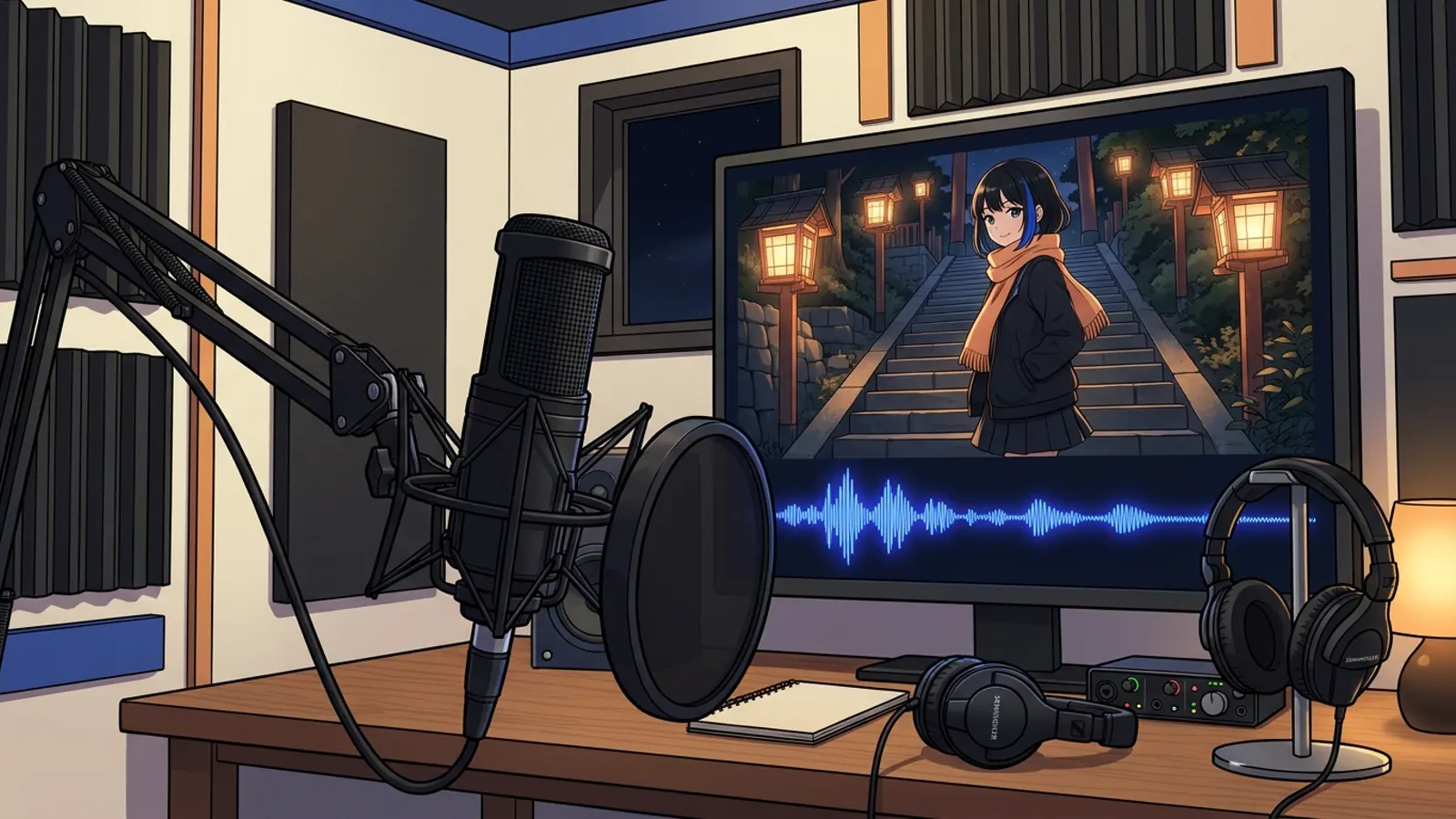
Dialogue is where AI anime most often falls apart: the right face says the wrong words, or the words are right and the mouth keeps moving after the line. This post shows the three approaches we tested for one line of dialogue and the one Animey, an AI anime studio by Softforge Digital, uses for scripted episodes, as of October 2026.
The shot and the line
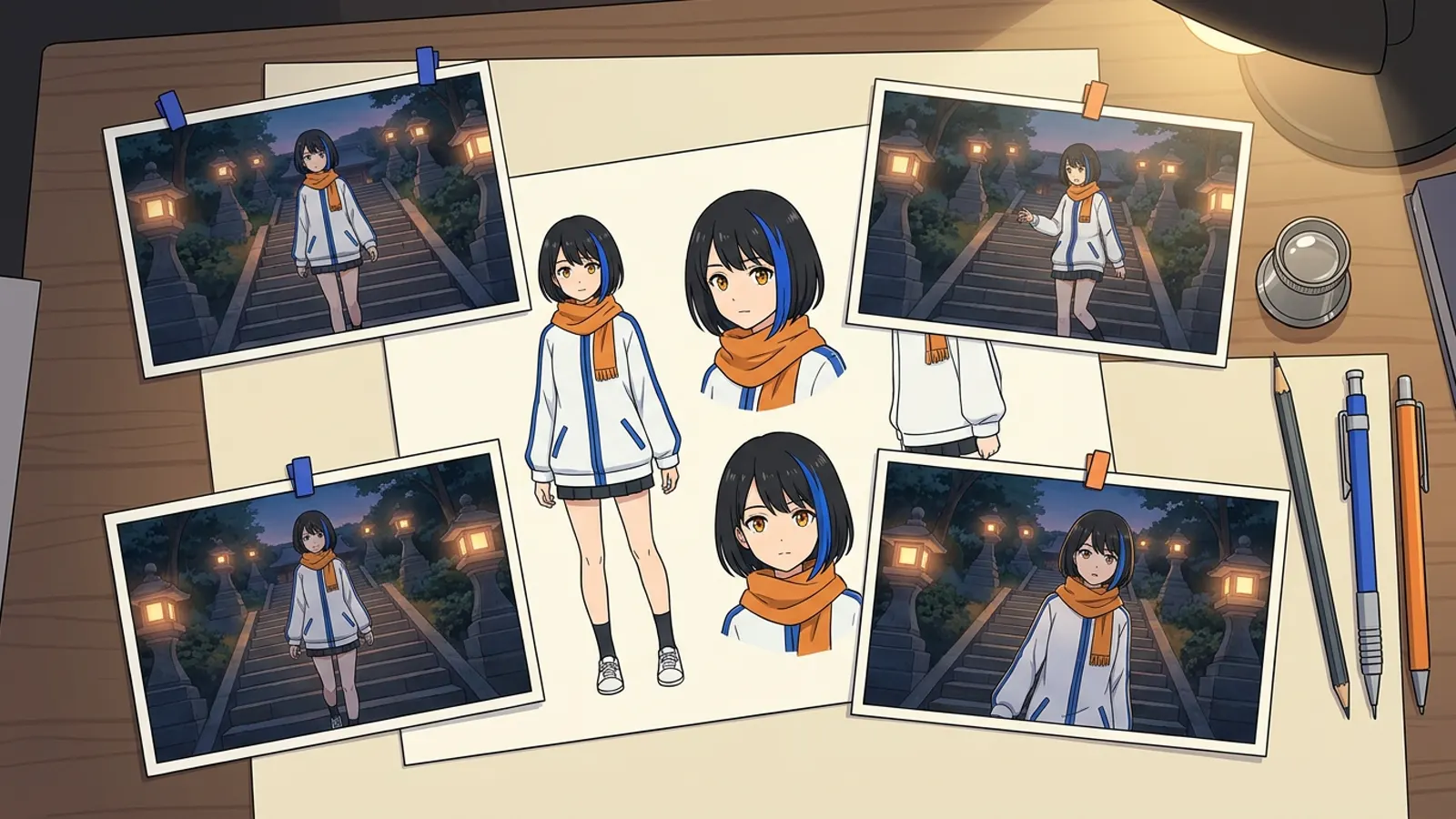
One keyframe from our image model test: Mira on the lantern-lit stairs, holding a letter. One line, voiced with ElevenLabs Multilingual v2: “It’s from Grandpa… He remembered.” The voiced line lasts 2.5 seconds; the shot lasts 5.

Take 1: the video model speaks for itself
MiniMax H3 Max can generate sound with the picture. We asked it to say the line, and only the line, in two parts. The animation is good and the mouth moves in time with the speech, because the same model made both.
The problem is everything around the lips. The voice is whatever the model chose for this clip, so the next shot may sound like someone else. And nothing guarantees the words: in beta, a take said its line and then kept going with invented ones. For one clip that is a curiosity; for a series it breaks the character.
Take 2: the exact line laid on the mouths
The obvious fix is to give the video model our audio and let it animate the lips to it. We tried, and the audio input of the model we use only replaced the soundtrack: the mouths still moved to the text, and ran on after the line. So Animey does it the other way round, in a mode we call Strict Scripted.
- Voice every line first. Before anything is animated, each line is voiced in the speaker’s chosen voice for the episode’s language, from our library or designed from a description. Animey never clones a real voice.
- Let the model speak inside time windows. MiniMax H3 animates the shot from the approved keyframe and speaks each line inside the time window the voiced line needs, so the mouths open where the words will be.
- Find the mouths, lay the exact line. The model’s delivery is transcribed. Each exact voiced line is placed where its mouths said it, played at 0.8 to 1.25 times speed to fill that span, and the model’s own sound is discarded.
- Caption from the script. Subtitles are the script itself, timed from the voiced words, so the captions can never disagree with what is heard.
The guarantee is simple: in a Strict take, the words you hear are the approved script in the character’s voice, in order, with nothing added. If the model mouthed a word that is not in the script, that mouth stays silent rather than saying something new.
Take 3: the voice as a reference
Some models accept audio as a reference rather than as a soundtrack. Seedance 2.0 takes images, videos and audio together; our earlier Reference tier sent it the keyframe, the character views and the voiced line. Here is that recipe with Seedance 2.0 Fast.
| Approach | Exact words | Same voice every shot | Lips follow the speech |
|---|---|---|---|
| Model speaks for itself | Not guaranteed | No | Yes |
| Exact line laid on the model’s mouths (Strict Scripted) | Yes | Yes | Yes, within 0.8 to 1.25 times speed |
| Voice as a reference | Not guaranteed | Close, not exact | Yes |
When the model’s own voice is welcome
Some authors prefer the model’s performance: breaths, laughs and ambience come with it. That is Native Performance. Every take is transcribed and compared with the script; a take that adds, drops or reorders words is marked as a mismatch and cannot be selected. If it said every scripted word and then kept talking, the extra speech can be silenced for free from the take’s own word timings.
Voices themselves are covered in giving a character a voice, and how many words fit in a five-second shot in the pacing guide.
Questions this answers
- How do you lip sync AI anime dialogue?
- Animey voices the line first, lets MiniMax H3 animate the shot and speak inside the line’s time window, transcribes where the mouths spoke, and lays the exact voiced line there at 0.8 to 1.25 times speed, discarding the model’s own sound.
- Which voice model does Animey use?
- ElevenLabs. Characters use voices from a curated library of licensed AI voices or voices designed from a written description; Multilingual v2 is the default and Eleven v3 handles Arabic dialects. Animey never clones a real person’s voice.
- Why not let the video model speak the dialogue?
- You can, in Native Performance, but the model picks its own voice for each clip and can change or add words. Animey checks every native take against the script, and Strict Scripted guarantees the exact words in the character’s voice.
- Can a video model lip sync to my own audio track?
- Some accept audio, but in our tests the audio input either replaced the soundtrack without moving the lips or was used as a reference the model re-performed. Laying the exact line on the model’s own mouth movements gave the most reliable result.
Start your own series
Describe your world, cast your characters and plan your first episode, scene by scene.
Start free